Visible plywood
Plywood Grain Direction for Cabinet Panels
Plan grain direction across cabinet doors, finished ends, drawer fronts, shelves, and backs before rotation rules are set in a sheet layout.
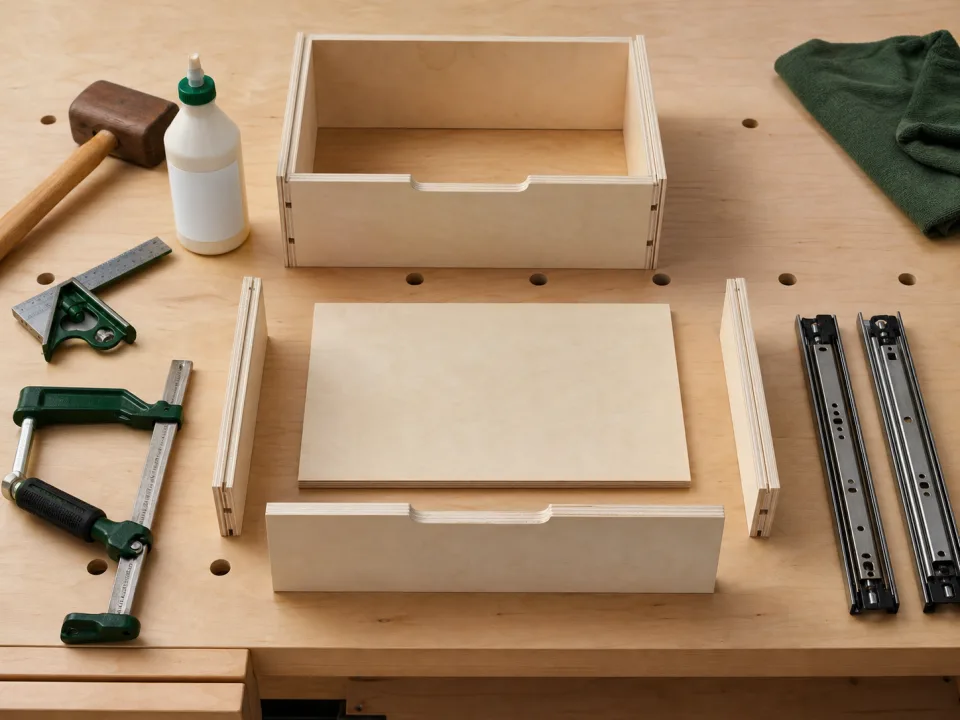
Research Lens
What should plywood grain direction for cabinet panels confirm before material is purchased?
For woodworkers using veneer plywood on visible cabinets, the useful answer is a layout that protects the finished appearance while using sheets efficiently. It starts by resolving which panels need a controlled grain direction and which hidden parts can rotate.
Decision Metrics
Visual model
Visible plywood: planning path
Move from verified dimensions to a reviewable layout, then confirm the cut sequence before material is committed.
Start With the Decision
A useful plywood grain direction for cabinet panels is not a list of generic dimensions. For woodworkers using veneer plywood on visible cabinets, it must answer which panels need a controlled grain direction and which hidden parts can rotate. Put that decision ahead of the first calculation so every measurement, allowance, and revision can be judged by whether it changes the real build.
Record the Inputs That Change the Result
Capture face veneer, grain direction, matched pairs, door and drawer layout, finished ends, sheet defects, rotation rules, and spare material. Keep field measurements separate from preferences and buffers. A clear input list makes it easier to revise one detail without silently changing every part in the plan.

Build a First Layout You Can Review
Use this sequence: lock the visible matched panels first, reserve them together, then let hidden structural parts use the remaining layout flexibility. Compare at least two reasonable options, then inspect the physical fit, visible faces, material groups, and cut order before treating a calculated result as final.
Prevent the Expensive Mistake
The common failure is allowing global rotation to save material and discovering mismatched cabinet faces after assembly. Catch it with a full-size check, one test piece, or a controlled review before sheets are ordered or a batch of parts is cut.
Turn the Layout Into Shop Work
Label parts by material group, keep a known reference edge, and work from the largest stable cuts toward smaller parts. A good diagram helps the operator make safe, traceable cuts; it does not replace handling judgment or tool instructions.
Save the Assumptions for the Next Revision
The target is a layout that protects the finished appearance while using sheets efficiently. Save the inputs, dimensions, material choice, kerf, and the reason for the selected option. Those notes make later edits faster and help identify why a new layout differs from the original.
Use the Right WoodCutTool Resources
Plywood Cutting Calculator helps turn this search into a reviewable calculation. Use Saw Kerf Guide as the project-specific reference, then compare the final layout with the actual material and job conditions before cutting.
Compare
Plywood Grain Direction for Cabinet Panels: what to check
| Stage | Purpose | Failure to catch | Best check |
|---|---|---|---|
| Measured inputs | Set the physical constraints | Assumed room or material dimensions | Measure the actual site and stock |
| First layout | Test material fit | Area totals that ignore rectangles and kerf | Review the full parts list on real sheet sizes |
| Shop review | Make the layout executable | Unlabeled parts, poor cut order, or unsafe handling | Check reference edges, support, and labels |
| Final revision | Preserve a useful record | Unexplained later changes | Save inputs and the selected option |
Field Checklist
- Define the decision: which panels need a controlled grain direction and which hidden parts can rotate.
- Record the real inputs: face veneer, grain direction, matched pairs, door and drawer layout, finished ends, sheet defects, rotation rules, and spare material.
- Keep material groups, kerf, and visible-grain rules separate.
- Prevent this error: allowing global rotation to save material and discovering mismatched cabinet faces after assembly.
- Finish with a layout that protects the finished appearance while using sheets efficiently.
FAQ
Common questions
What should a plywood grain direction for cabinet panels include?
It should show the inputs that matter, the material groups, a physical-fit check, and the decision it supports: which panels need a controlled grain direction and which hidden parts can rotate.
Why is area math not enough?
Total area is a lower-bound estimate. Rectangles must fit within real sheet dimensions after kerf, trim, grain, and cut-sequence constraints.
When should the plan be checked again?
Recheck whenever a finished dimension, material thickness, sheet size, kerf, visible-grain rule, or part quantity changes.
When should I use Plywood Cutting Calculator?
Use Plywood Cutting Calculator when the rough parts list needs to become a visible, comparable material plan.
Sources