WoodCutTool Learn
Sheet-Goods Receiving Reconciliation
Receiving is where a purchase assumption becomes physical stock. A delivery can match the invoice count and still fail the project because sheets are undersized, bowed, wet, damaged, mismatched, incorrectly finished, or from an unapproved product batch. Receiving reconciliation compares the purchase order, approved substitutions, packing information, actual sheets, and current project allocation before material enters storage or production.

Target keywords
Prepare the receiving basis
Bring the current purchase order, supplier product description, material code, approved substitutions, ordered quantity, expected dimensions, thickness range, face and finish requirement, and project revision to the receiving point. Identify back orders, partial shipments, and stock intended for different projects so a correct total cannot hide the wrong allocation.
Count and identify the product
Count full sheets, partial units, packs, and protective cover sheets separately. Compare labels, product markings, thickness, sheet format, grade, face, core, finish, and batch or lot when appearance matching matters. Photograph labels and delivery condition when useful. Do not relabel uncertain stock as approved merely to clear the unloading area.
Measure usable stock
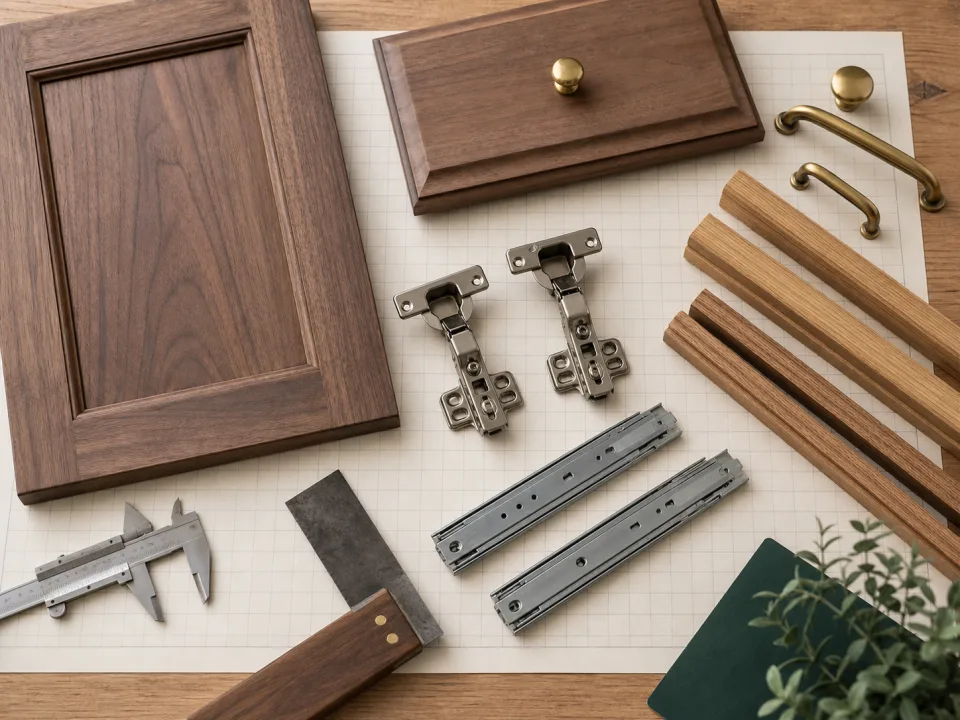
Measure representative or risk-selected sheets for actual width, length, thickness, squareness, bow, and edge damage. Map dents, veneer splits, patches, finish scratches, swollen zones, and handling damage that reduce usable area. The sheet-usability checklist provides the release record for stock that will enter a layout.
Reconcile quantity and condition
Record ordered, shipped, received, accepted, held, rejected, returned, and back-ordered quantities by material code. A damaged sheet accepted for small hidden parts should not be counted as a full replacement for a visible-panel layout without recalculation. If supplier sheets are smaller than the layout basis, use the sheet-size diagnostic before production.
Allocate and store accepted sheets
Assign accepted stock to the correct project, room, finish sequence, or matching set and preserve labels through storage. Support panels to avoid bow, protect faces and edges, control moisture exposure, and keep held material segregated. Update on-hand stock and offcut records only after the acceptance and allocation are known.
Update the purchase and cut-plan bridge
Notify purchasing and planning of shortages, credits, substitutions, damage allowance, or product changes. Re-run affected complete layouts with the actual usable stock definition and record whether contingency is consumed. Use CutList for the revised stock and keep the receipt record with the purchase reconciliation through closeout.
When to move from learning to planning
Reading is useful when you are choosing a method, but the project becomes real when dimensions, quantities, material costs, and waste are entered into a tool. If the article describes the problem you are facing, the next step is to test your own numbers. Start with the tools hub, choose the calculator that matches the material, and compare the result before buying stock. For plywood and cabinet projects, move the final plan into CutList so the layout can be saved, reopened, exported, and used at the saw.
Recommended next step
If you only need a quick estimate, open the related browser calculator and run the first pass. If the plywood or cabinet job has many parts, expensive material, or changing measurements, use CutList as the saved project workspace after reviewing the browser result. That creates a clear path from learning the method to checking the layout, preserving revisions, and carrying a cutting sequence to the shop.
Move from reading to a checked plan
Apply sheet-goods receiving reconciliation to a saved project
Test the method with your own dimensions first. Use CutList when the reviewed plywood plan needs saved revisions, offline access, a cutting sequence, or a Pro PDF handoff.
- Free basic layouts
- No login
- No cloud upload
- Works offline
 On a computer? Scan with your iPhone or iPad.