WoodCutTool Learn
Managing Already-Cut Parts During a Revision
When a design changes after cutting starts, the old parts do not disappear from the project. Each physical piece needs a documented disposition tied to its part ID and revision. Separating unchanged, reworkable, reusable, remake, and scrap decisions prevents obsolete parts from returning to assembly and keeps the new material plan honest. Status should be visible on both the record and the physical staging area so an electronic hold cannot be bypassed by an unmarked stack.
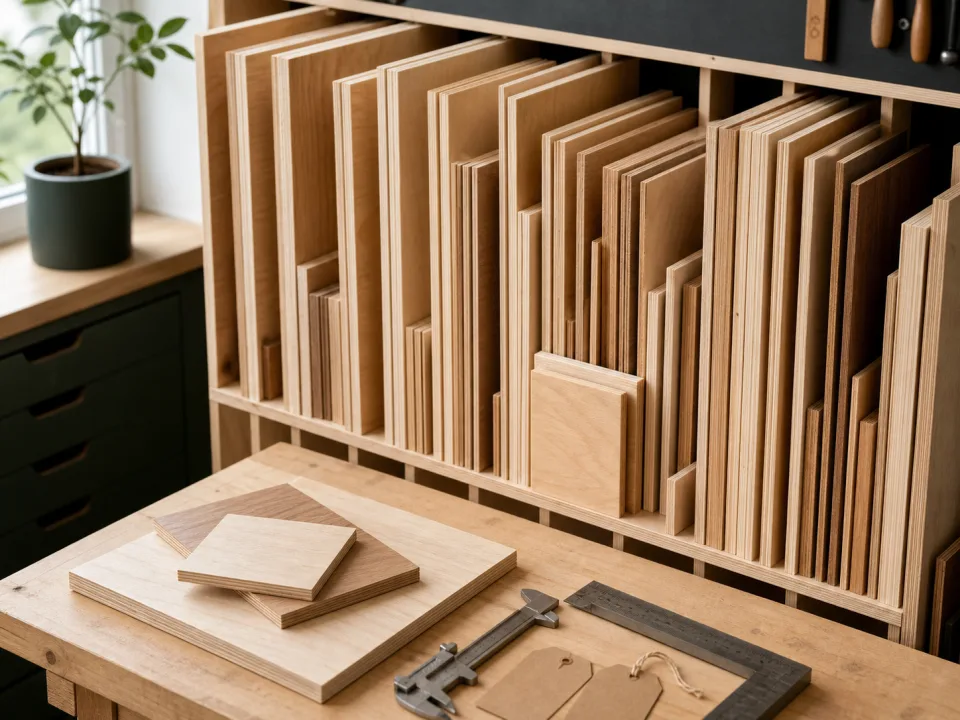
Target keywords
Freeze and inventory work in process
Pause affected work and list every part already cut, machined, edge-treated, assembled, packed, or installed. Record part ID, old revision, actual dimensions, material, finish, location, and condition. Do not rely on a stack count or memory when similar pieces belong to different cabinets.
Compare old and new requirements
For each affected part, compare geometry, references, grain, show face, machining, edges, hardware, finish, and quantity. A part that is large enough by area may still be unusable because the new reference edge, hole pattern, grain, or finished face cannot be recovered. Keep safety and structural decisions within the approved design and qualified review.
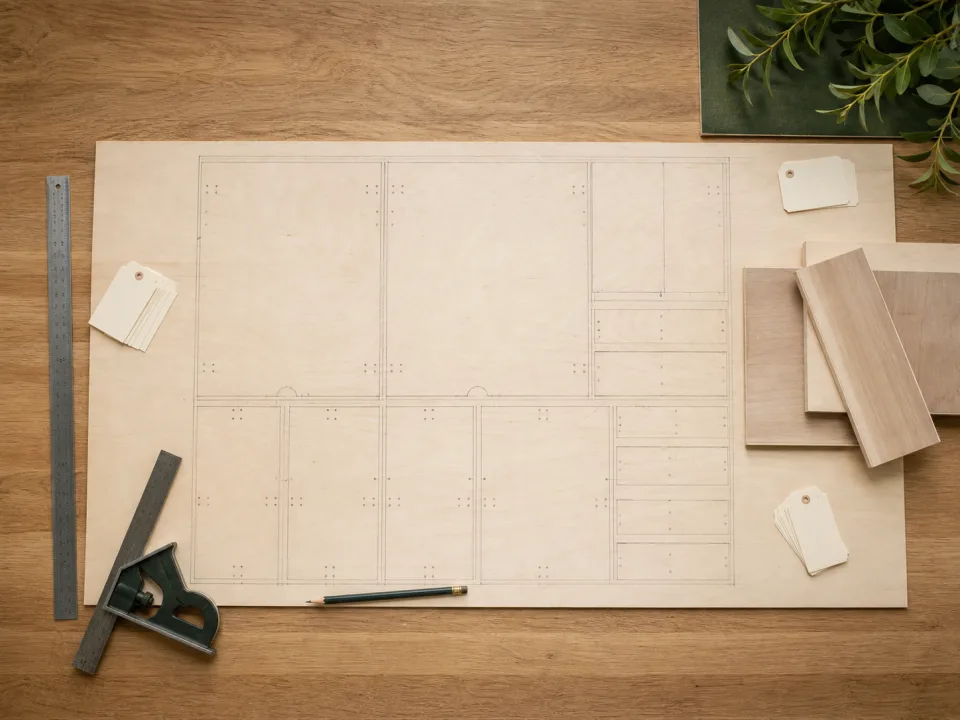
Assign a controlled disposition
Mark each item unchanged, rework, reuse elsewhere, remake, hold, or scrap, with an approver and reason. Rework should have a new operation and inspection step; reuse should receive the destination part ID; remake should enter the current cut list. Physically segregate obsolete pieces so an old label cannot return them to the line.
Test layout and remnant recovery
Add remakes to the correct material group and test whether verified remnants can accept them with required trim, face, and orientation. If a remnant cannot fit the recut part, use the remnant diagnostic rather than rotating or trimming away a design constraint. Regenerate the complete sheet plan and purchase difference.
Close the revision loop
Update labels, production status, material usage, cost, and the change-impact record. Preserve the original part history but make the current revision visually authoritative. Use change impact review for upstream dependencies and CutList for the revised layout and remake rows.
When to move from learning to planning
Reading is useful when you are choosing a method, but the project becomes real when dimensions, quantities, material costs, and waste are entered into a tool. If the article describes the problem you are facing, the next step is to test your own numbers. Start with the tools hub, choose the calculator that matches the material, and compare the result before buying stock. For plywood and cabinet projects, move the final plan into CutList so the layout can be saved, reopened, exported, and used at the saw.
Recommended next step
If you only need a quick estimate, open the related browser calculator and run the first pass. If the plywood or cabinet job has many parts, expensive material, or changing measurements, use CutList as the saved project workspace after reviewing the browser result. That creates a clear path from learning the method to checking the layout, preserving revisions, and carrying a cutting sequence to the shop.
Move from reading to a checked plan
Apply managing already-cut parts during a revision to a saved project
Test the method with your own dimensions first. Use CutList when the reviewed plywood plan needs saved revisions, offline access, a cutting sequence, or a Pro PDF handoff.
- Free basic layouts
- No login
- No cloud upload
- Works offline
 On a computer? Scan with your iPhone or iPad.