WoodCutTool Learn
First-Article Check for Repeated Wood Parts
A first article is the first fully processed part—or small mating set—checked against the released design before the repeated batch continues. It turns setup assumptions into evidence. The gate is useful for shelves, cabinet sides, drawer pieces, rails, doors, and any operation where one incorrect stop, reference face, or program could multiply the same error across expensive material.
Target keywords
Choose a representative part
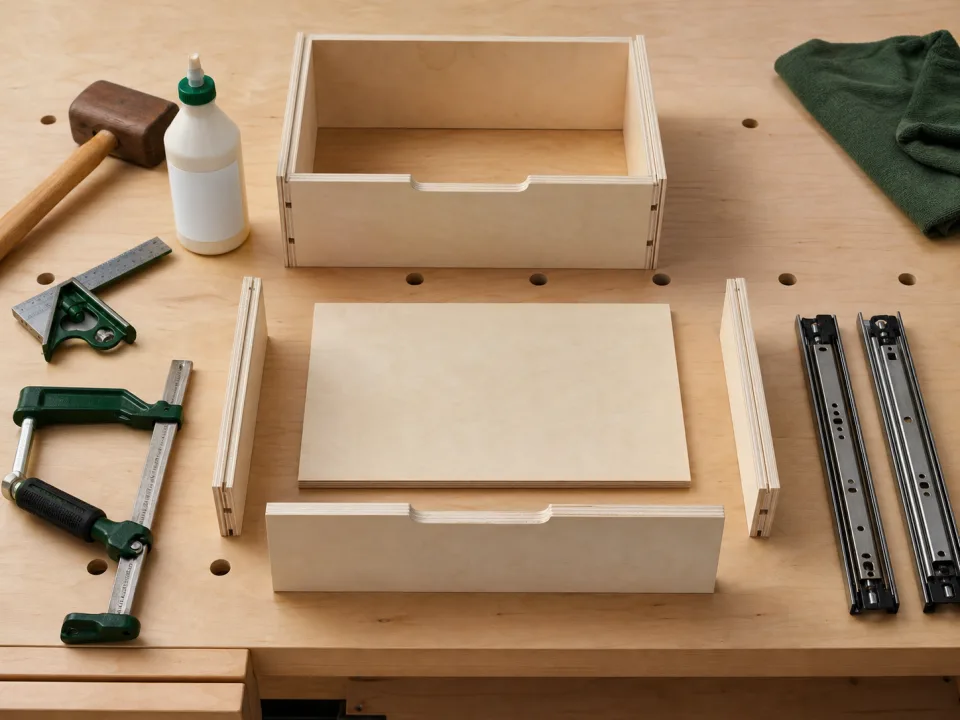
Select a part that exercises the important setup: finished width and length, reference edge, show face, grain direction, dados or holes, edge treatment, and mating fit. For a drawer, the useful first article may be one complete box rather than one isolated side. Mark it with the released part ID and revision before it leaves the source sheet.
Verify inputs before the cut
Confirm the material code, actual thickness, face condition, stock dimensions, kerf or cutter setup, stop location, and quantity. Compare the machine reference with the cut list and drawing. A stop block can create consistency only when its first setting is correct; see the stop-block definition before relying on it for a batch.
Inspect the completed result
Measure finished size from the specified references, check square and edge quality, verify machining location and depth, and test any critical mating part or hardware. Record the actual measurement rather than writing only “pass.” If repeated parts drift later, the accepted first article becomes a physical and documented reference for the repeated-parts diagnostic.
Set a clear stop condition
Do not average a failed result into tolerance or adjust downstream parts to hide the cause. Stop the batch when material, size, square, face, machining, or fit is outside the approved boundary. Correct the source setup, make a new first article, and identify whether any already-cut pieces remain usable. Safety-critical machine setup and operation must follow the tool manufacturer and qualified shop procedures.
Release and monitor the batch
After acceptance, note the setup, measured result, operator or reviewer, date, and quantity released. Recheck at planned intervals and after blade changes, stock changes, machine movement, or an interruption. Use the small-parts cabinet example to see repeated input rows, then keep the verified batch attached to the saved CutList project.
When to move from learning to planning
Reading is useful when you are choosing a method, but the project becomes real when dimensions, quantities, material costs, and waste are entered into a tool. If the article describes the problem you are facing, the next step is to test your own numbers. Start with the tools hub, choose the calculator that matches the material, and compare the result before buying stock. For plywood and cabinet projects, move the final plan into CutList so the layout can be saved, reopened, exported, and used at the saw.
Recommended next step
If you only need a quick estimate, open the related browser calculator and run the first pass. If the plywood or cabinet job has many parts, expensive material, or changing measurements, use CutList as the saved project workspace after reviewing the browser result. That creates a clear path from learning the method to checking the layout, preserving revisions, and carrying a cutting sequence to the shop.
Move from reading to a checked plan
Apply first-article check for repeated wood parts to a saved project
Test the method with your own dimensions first. Use CutList when the reviewed plywood plan needs saved revisions, offline access, a cutting sequence, or a Pro PDF handoff.
- Free basic layouts
- No login
- No cloud upload
- Works offline
 On a computer? Scan with your iPhone or iPad.