WoodCutTool Learn
Reusable Offcut Inventory Handoff
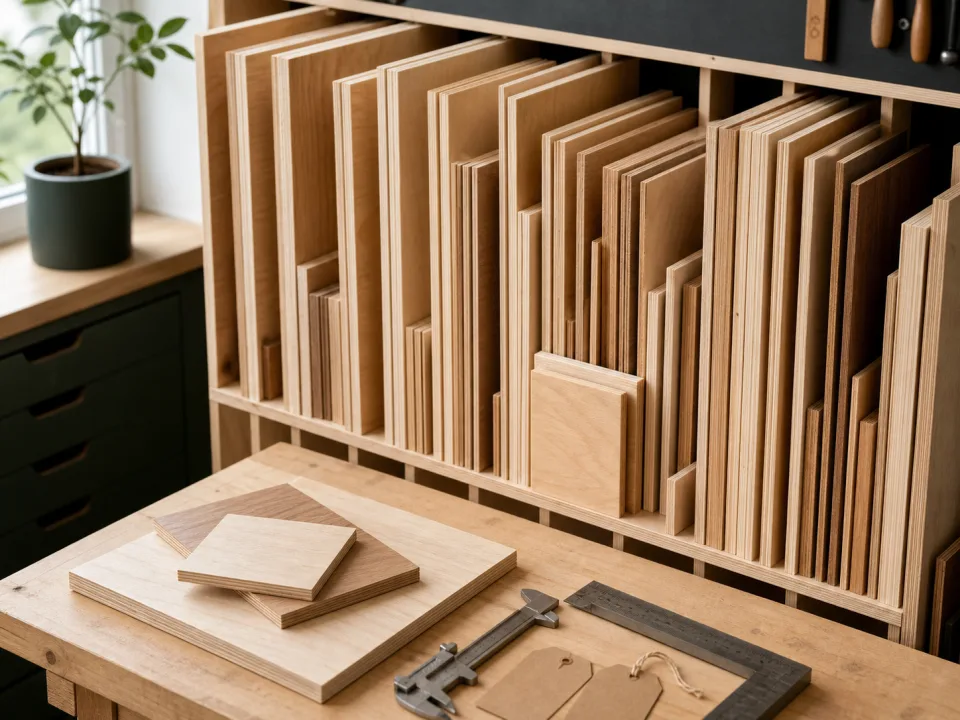
An offcut becomes inventory only when another person can find it, identify it, verify its usable size and condition, and reserve it without relying on the original project's memory. The handoff separates reusable stock from scrap, updates the project closeout, and prevents a future layout from promising material that is warped, mislabeled, consumed, or inaccessible. The record should be simple enough to maintain and strict enough to trust.
Target keywords
Set the shop retention rule
Define minimum width, length, area, shape, thickness, and condition by material type, along with exceptions for expensive or matched stock. Include the storage capacity and likely reuse window. Keeping every strip makes the inventory harder to search and less accurate. The offcut definition keeps deliberate reusable remnants separate from fragmented scrap.
Measure usable geometry
Measure the largest reliable rectangle after excluding edge damage, holes, finish defects, taper, and unsafe zones. Record actual thickness and whether dimensions include a future cleanup allowance. Irregular pieces can be retained when a photo or sketch makes the usable zone clear, but do not advertise their full bounding box as cuttable material.
Preserve material identity
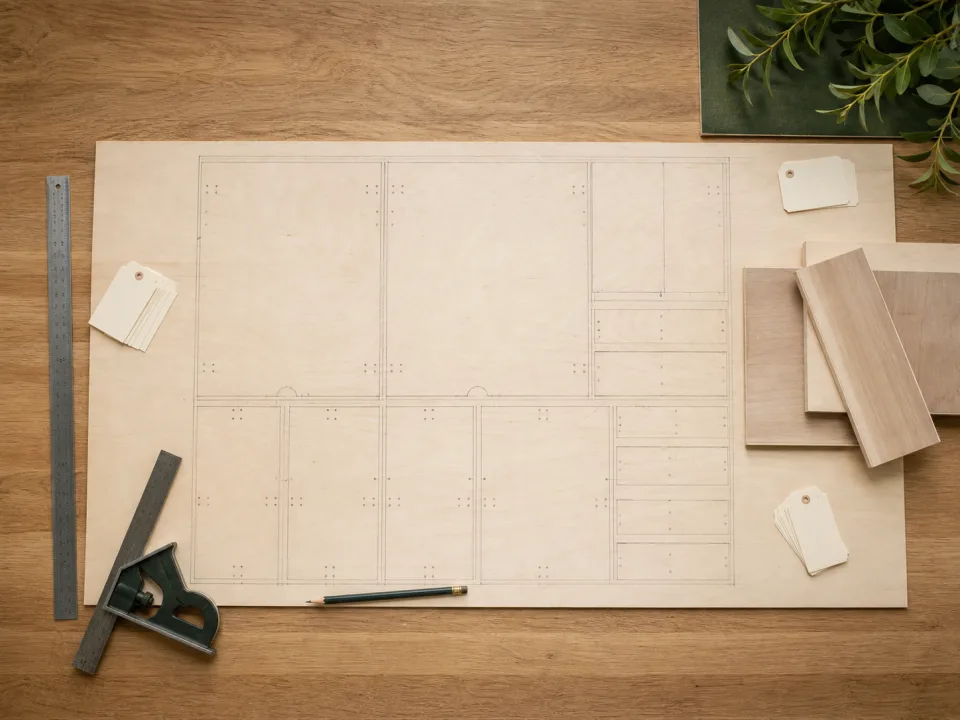
Label product or species, grade, core, finish, color or batch when relevant, face condition, grain direction, source project, and date. Mark matched visible material so it is not consumed for hidden parts accidentally. If identity is uncertain, quarantine or downgrade the remnant rather than inventing a material code.
Assign a stable location and status
Give each retained piece a rack, bin, slot, or zone and a unique record when individual tracking is justified. Use available, reserved, consumed, damaged, or discarded status. Complete the offcut inventory release before moving pieces into shared stock so physical and digital locations start in agreement.
Use remnants honestly in layouts
Reserve an offcut before assigning it to a new cut plan and confirm it still exists and lies flat enough for the intended operation. Enter its actual usable size, kerf, grain, and rotation limits in the layout. If a remnant cannot fit the recut part, use the remnant-fit diagnostic rather than shrinking cleanup or safety allowances.
Audit and close the handoff
Remove stale, consumed, damaged, and duplicate records on a defined cycle. Reconcile project closeout with retained pieces and release any temporary reservations. Use the wood waste calculator to compare scrap cost without assigning false value to unlikely remnants, and preserve qualified pieces in CutList only when the physical stock remains traceable.
When to move from learning to planning
Reading is useful when you are choosing a method, but the project becomes real when dimensions, quantities, material costs, and waste are entered into a tool. If the article describes the problem you are facing, the next step is to test your own numbers. Start with the tools hub, choose the calculator that matches the material, and compare the result before buying stock. For plywood and cabinet projects, move the final plan into CutList so the layout can be saved, reopened, exported, and used at the saw.
Recommended next step
If you only need a quick estimate, open the related browser calculator and run the first pass. If the plywood or cabinet job has many parts, expensive material, or changing measurements, use CutList as the saved project workspace after reviewing the browser result. That creates a clear path from learning the method to checking the layout, preserving revisions, and carrying a cutting sequence to the shop.
Move from reading to a checked plan
Apply reusable offcut inventory handoff to a saved project
Test the method with your own dimensions first. Use CutList when the reviewed plywood plan needs saved revisions, offline access, a cutting sequence, or a Pro PDF handoff.
- Free basic layouts
- No login
- No cloud upload
- Works offline
 On a computer? Scan with your iPhone or iPad.