WoodCutTool Learn
What Saw Kerf Size Should a Cut List Use?
A cut list should use the measured kerf of the blade and machine setup that will make the cuts. One-eighth inch is a common planning assumption, but it is not a universal blade value. Tooth geometry, blade plate, runout, material, feed, and machine condition can change the slot that a real test cut produces. Measure the setup instead of copying the package label or leaving kerf at zero.
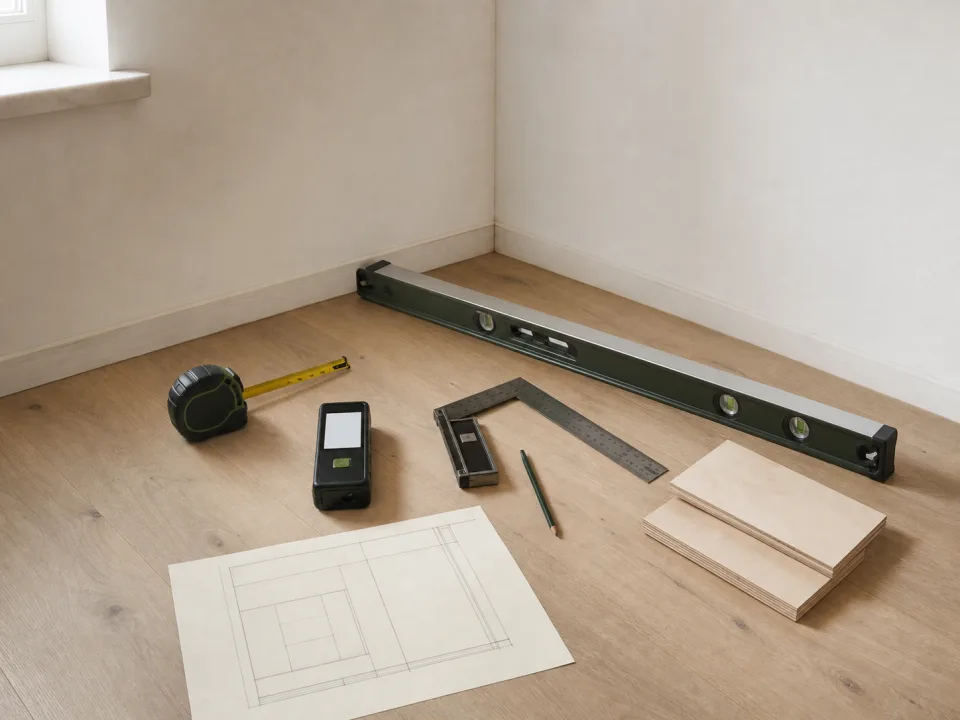
Target keywords
Kerf is removed material
Kerf is the width of the slot left by the cutting tool. In a layout, that space must exist between adjacent finished parts unless a valid shared-cut strategy is deliberately modeled. If two 24-inch parts are placed across a 48-inch sheet with no space, they cannot both remain 24 inches after a physical saw cut. A zero-kerf layout is a mathematical lower bound, not a shop plan.
Measure with a test cut
Use the installed blade, the intended machine, and a stable scrap of similar material. Mark a line, cut through the waste side without trying to preserve the line, and measure the slot with calipers at several points. A second method is to cut a known-width sample and compare the combined pieces with the original reference, but setup and measurement error can accumulate. Record the measured value and the blade identifier in the project notes.
Why nominal blade width is not enough
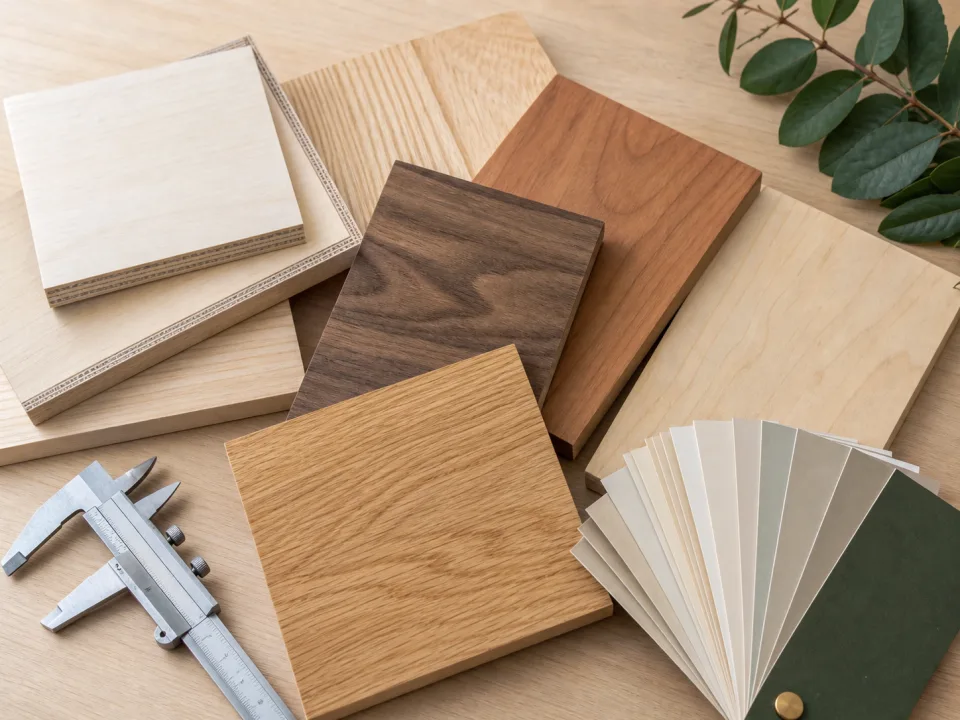
The printed tooth width is useful context, yet the effective cut can change with blade runout, tooth set, arbor condition, deflection, and material behavior. Track-saw and table-saw setups may use different blades on the same project. If rough breakdown and final sizing use different tools, model the space required by the operation that separates finished parts, then leave additional cleanup allowance where rough cuts will be refined later.
What the kerf matrix says
WoodCutTool's 504-run kerf matrix tested 36 project inputs across seven spacing values and two orientation modes. With rotation allowed, only one project changed estimated sheet count between the zero-kerf counterfactual and a deliberately large 1/4 inch spacing. That does not make kerf unimportant: most layouts retained their sheet count while free rectangles and cut options became smaller. A tight individual pattern can still fail because of one omitted blade width.
Enter kerf once and keep allowances separate
Use the measured kerf in the plywood cut calculator. Keep perimeter trim, rough-cut oversize, defect exclusions, and final cleanup as separate assumptions. Combining them into an unexplained “big kerf” makes the plan hard to revise and can waste usable material. Conversely, entering kerf as zero and hoping a trim allowance covers every internal cut can produce parts that do not fit.
Verify the cut sequence
A nesting diagram reserves geometric spacing but may not describe every safe machine operation. Review whether long rips, crosscuts, shared edges, and small final parts can be produced with the available support and fence setup. Print or export the final layout from CutList, write the measured kerf on it, and recheck the value whenever the blade or machine changes. The right input is tied to a setup, not permanently to a project name.
When to move from learning to planning
Reading is useful when you are choosing a method, but the project becomes real when dimensions, quantities, material costs, and waste are entered into a tool. If the article describes the problem you are facing, the next step is to test your own numbers. Start with the tools hub, choose the calculator that matches the material, and compare the result before buying stock. For plywood and cabinet projects, move the final plan into CutList so the layout can be saved, reopened, exported, and used at the saw.
Recommended next step
If you only need a quick estimate, open the related browser calculator and run the first pass. If the plywood or cabinet job has many parts, expensive material, or changing measurements, use CutList as the saved project workspace after reviewing the browser result. That creates a clear path from learning the method to checking the layout, preserving revisions, and carrying a cutting sequence to the shop.
Move from reading to a checked plan
Apply what saw kerf size should a cut list use? to a saved project
Test the method with your own dimensions first. Use CutList when the reviewed plywood plan needs saved revisions, offline access, a cutting sequence, or a Pro PDF handoff.
- Free basic layouts
- No login
- No cloud upload
- Works offline
 On a computer? Scan with your iPhone or iPad.