WoodCutTool Learn
Can You Rotate Plywood Parts in a Cut List?
You can rotate a plywood part in a cut layout only when its grain appearance, face quality, structural specification, machining, and installation direction still work after the turn. Rotation can improve nesting because a long narrow part may fit a free rectangle in its other orientation. It is a design permission, not an optimizer convenience, and it should be decided per part before the layout is trusted.
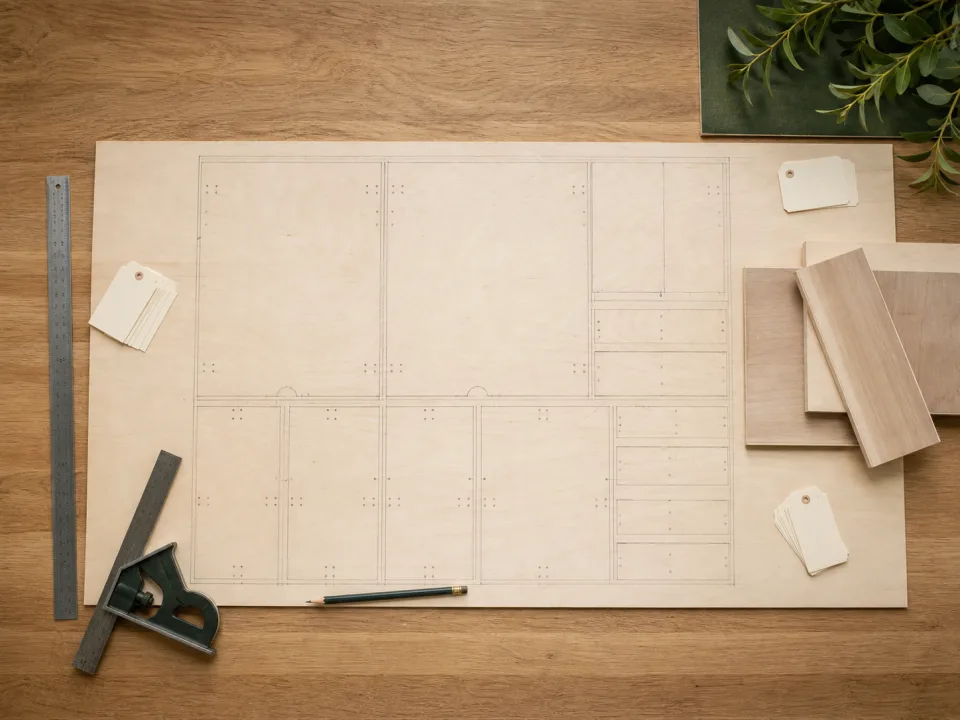
Target keywords
What rotation means in a layout
For rectangular nesting, rotation usually means turning a part 90 degrees on the sheet. Its finished width and length remain the same, but the part's long axis changes relative to the sheet face and factory direction. An optimizer may find a lower sheet count with rotation enabled because more free rectangles become candidates. That geometric result says nothing about whether the rotated face will look correct or meet the project specification.
Use visible faces as the first filter
Cabinet sides, doors, drawer fronts, finished ends, table panels, and matched veneer components usually need an intentional grain direction. Mark the show face and grain arrow on the cut list. If several parts should read as one visual group, lock them to the same direction even when individual rotation is technically possible. Hidden backs, paint-grade internal dividers, jigs, and temporary fixtures often allow more flexibility, but confirm this rather than applying a global rule.
What the 36-project comparison found
In WoodCutTool's rotation benchmark, the same 36 project inputs used 65 sheets with rotation allowed and 70 with orientation locked. Five projects crossed a sheet-count threshold. The result shows that rotation can affect purchasing for some dimension sets, not that every rotatable part should turn. Those extra sheets can be the correct cost of maintaining visible grain or a required panel direction.
Check requirements beyond appearance
Some panels have a directional overlay, print, texture, or manufacturer mark. Structural sheathing can have span and installation requirements that are outside the scope of furniture nesting. Machining may also be directional: shelf-pin rows, dados, edge banding, or prefinished faces can make two geometrically identical orientations operationally different. Read product documentation and the project specification; a cut-list optimizer cannot infer those constraints from width and length alone.
Use mixed rotation rules
The useful choice is rarely “rotate everything” or “rotate nothing.” Group parts by material and finish, then set orientation per group or part. Lock visible cabinet sides and doors, while allowing backs and hidden shelves to rotate if their material permits it. Run the mixed case in the plywood cut calculator and compare it with fully locked and fully flexible scenarios. The comparison reveals the material cost of each design constraint.
Label the result for the shop
A correct digital rule can still fail if the shop cannot see it. Add grain arrows, show-face marks, part names, and material groups to the exported plan. During breakdown, transfer those marks before a rectangle is separated from the parent sheet. Save the final layout in CutList with rotation permissions intact, and avoid manually turning a part later just because an offcut appears large enough.
When to move from learning to planning
Reading is useful when you are choosing a method, but the project becomes real when dimensions, quantities, material costs, and waste are entered into a tool. If the article describes the problem you are facing, the next step is to test your own numbers. Start with the tools hub, choose the calculator that matches the material, and compare the result before buying stock. For plywood and cabinet projects, move the final plan into CutList so the layout can be saved, reopened, exported, and used at the saw.
Recommended next step
If you only need a quick estimate, open the related browser calculator and run the first pass. If the plywood or cabinet job has many parts, expensive material, or changing measurements, use CutList as the saved project workspace after reviewing the browser result. That creates a clear path from learning the method to checking the layout, preserving revisions, and carrying a cutting sequence to the shop.
Move from reading to a checked plan
Apply can you rotate plywood parts in a cut list? to a saved project
Test the method with your own dimensions first. Use CutList when the reviewed plywood plan needs saved revisions, offline access, a cutting sequence, or a Pro PDF handoff.
- Free basic layouts
- No login
- No cloud upload
- Works offline
 On a computer? Scan with your iPhone or iPad.