WoodCutTool Learn
Purchase Order to Cut List Reconciliation
A cut list describes parts, while a purchase order describes products sold in supplier units. Reconciliation connects the two without pretending they are the same table. It proves that every released part belongs to an approved material group, every group has a complete layout or quantity basis, each order line uses the correct product and unit, and any difference is explained by contingency, minimum order, substitution, stock on hand, or revision.

Target keywords
Freeze the revision being purchased
Record the project revision, generation time, included rooms or assemblies, and the status of unresolved holds. Exclude unapproved alternates and clearly separate future phases. A purchase order cannot be reconciled against a moving cut list; later approved changes should create a named difference rather than silently modifying the original basis.
Map parts to approved material codes
Assign every part one material code that preserves product, actual thickness, sheet or board size, grade, face, core, finish, grain, and permitted substitution. Keep backs, drawer bottoms, finished ends, prefinished panels, solid edging, and lumber separate when their purchase requirements differ. The material-group guide defines this conversion boundary.
Prove the layout or quantity basis
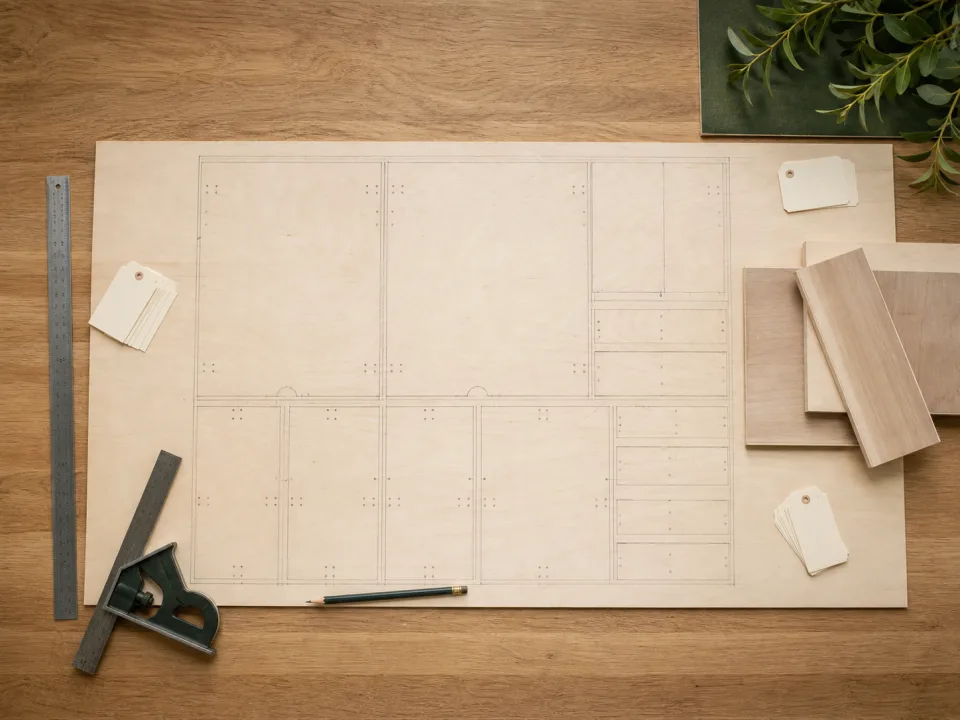
For rectangular sheet parts, confirm that every quantity fits in a complete layout using the released kerf, trim, rotation, and usable-stock assumptions. For boards, hardware, banding, finish, and service items, document the applicable length, volume, pack, coverage, or manufacturer basis. Area totals alone do not prove a plywood sheet count.
Translate into supplier units
Match each internal code to the supplier description, SKU where useful, unit, pack size, stock dimensions, order quantity, and delivery condition. Show rounding caused by full sheets, bundles, cartons, minimum orders, or lead-time contingency. Use the purchase contingency benchmark to test concrete spare-part strategies without treating its modeled sheet count as the project order. A supplier quantity should never be divided back across cut-list rows in a way that hides the whole-unit purchasing decision.
Explain every difference
Compare calculated requirement, usable stock on hand, retained offcuts, contingency, ordered amount, back order, and received amount. Assign a reason and owner to each difference. If purchase totals disagree with the layout, use the purchase-total diagnostic before approval rather than forcing the numbers to match.
Release purchasing and preserve the bridge
Complete the purchase-reconciliation checklist, then store the crosswalk with the cut list, layout, quote, order, substitution approvals, and receipt. Update CutList when an approved revision changes rectangles or quantities. The retained bridge makes shortages, returns, yield, and project closeout explainable without rebuilding the purchasing logic from memory.
When to move from learning to planning
Reading is useful when you are choosing a method, but the project becomes real when dimensions, quantities, material costs, and waste are entered into a tool. If the article describes the problem you are facing, the next step is to test your own numbers. Start with the tools hub, choose the calculator that matches the material, and compare the result before buying stock. For plywood and cabinet projects, move the final plan into CutList so the layout can be saved, reopened, exported, and used at the saw.
Recommended next step
If you only need a quick estimate, open the related browser calculator and run the first pass. If the plywood or cabinet job has many parts, expensive material, or changing measurements, use CutList as the saved project workspace after reviewing the browser result. That creates a clear path from learning the method to checking the layout, preserving revisions, and carrying a cutting sequence to the shop.
Move from reading to a checked plan
Apply purchase order to cut list reconciliation to a saved project
Test the method with your own dimensions first. Use CutList when the reviewed plywood plan needs saved revisions, offline access, a cutting sequence, or a Pro PDF handoff.
- Free basic layouts
- No login
- No cloud upload
- Works offline
 On a computer? Scan with your iPhone or iPad.