WoodCutTool Learn
Dado and Rabbet Allowance in Cut Lists
Dados and rabbets change how finished outside dimensions become individual part sizes. Their width, depth, shoulder, reference face, and mating material thickness must agree with the cabinet dimension chain. Hiding those values inside a shop habit makes revisions and hardware changes harder to audit, especially when plywood thickness differs from its nominal label.
Target keywords
Draw the section before calculating
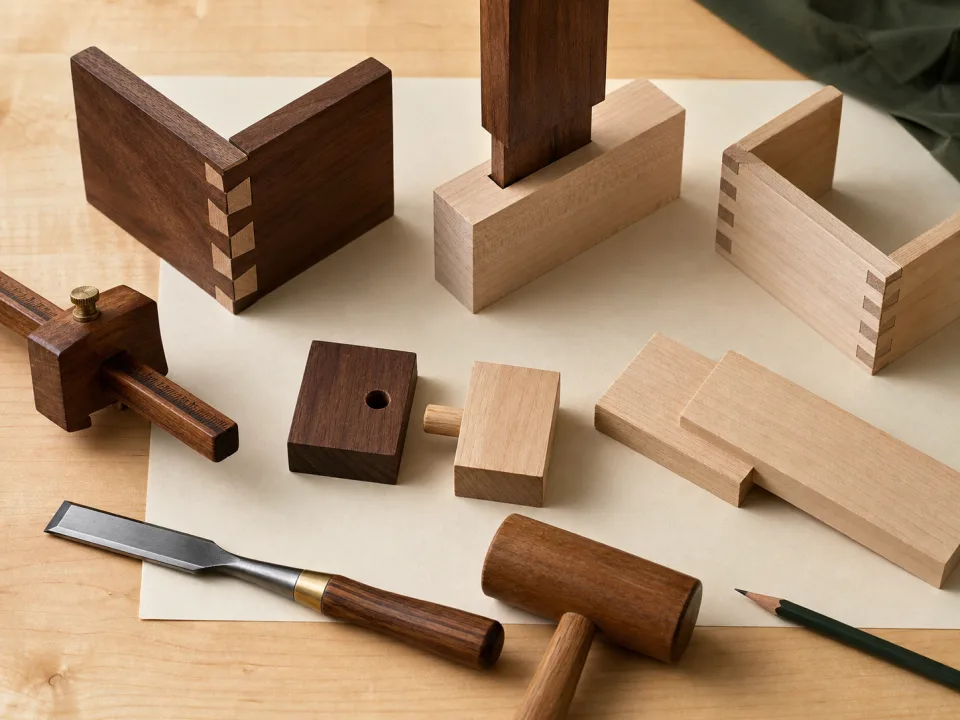
Sketch the joint in cross-section and label the finished outside surfaces, mating part, actual stock thickness, groove or rabbet width, depth, and remaining shoulder. Identify which part overlaps and which part fits inside. The dado joint and rabbet joint definitions provide a starting vocabulary, but the project drawing controls the actual detail.
Keep engagement separate from part size
Calculate the finished cabinet envelope first, then show how joint engagement changes the cut length or width of the mating part. Do not subtract the joint twice—once in the cabinet formula and again at the saw. Mark whether the cut-list dimension is finished part size before machining or the visible distance after assembly.
Use actual material and a test joint
Measure the accepted plywood batch and make a representative joint with the intended tool, cutter, and reference setup. Verify width, depth, shoulder, assembly fit, and face condition. If the joint is too shallow or deep, use depth troubleshooting; if it is too wide, use the width diagnostic before modifying production parts.
Record machining references
State the reference face and edge, distance to the near shoulder, joint length, stopped or through condition, and whether left and right parts mirror. Put those notes with the part ID and revision. The machining schedule should distinguish a dado from an edge rabbet even when the same cutter or setup is used.
Recalculate after any thickness change
A material substitution can alter the joint fit, inside opening, back size, shelf length, or overall cabinet dimensions. Update the source model, build a new test joint, and regenerate affected cut lists and sheet layouts. Use the base cabinet template to keep parts explicit rather than applying an undocumented trim to several rows.
When to move from learning to planning
Reading is useful when you are choosing a method, but the project becomes real when dimensions, quantities, material costs, and waste are entered into a tool. If the article describes the problem you are facing, the next step is to test your own numbers. Start with the tools hub, choose the calculator that matches the material, and compare the result before buying stock. For plywood and cabinet projects, move the final plan into CutList so the layout can be saved, reopened, exported, and used at the saw.
Recommended next step
If you only need a quick estimate, open the related browser calculator and run the first pass. If the plywood or cabinet job has many parts, expensive material, or changing measurements, use CutList as the saved project workspace after reviewing the browser result. That creates a clear path from learning the method to checking the layout, preserving revisions, and carrying a cutting sequence to the shop.
Move from reading to a checked plan
Apply dado and rabbet allowance in cut lists to a saved project
Test the method with your own dimensions first. Use CutList when the reviewed plywood plan needs saved revisions, offline access, a cutting sequence, or a Pro PDF handoff.
- Free basic layouts
- No login
- No cloud upload
- Works offline
 On a computer? Scan with your iPhone or iPad.