WoodCutTool Learn
First-Sheet Cutting Inspection Record
A first-sheet inspection is the release point between a promising setup and a full cutting batch. Unlike a first-part check, it tests the complete relationship among the stock, layout, cut sequence, repeated setups, labels, grain rules, and usable offcuts. The record should prove that every operation completed on the first sheet matches the current cut-list revision before the remaining material is exposed to the same error.
Target keywords
Freeze the released inputs
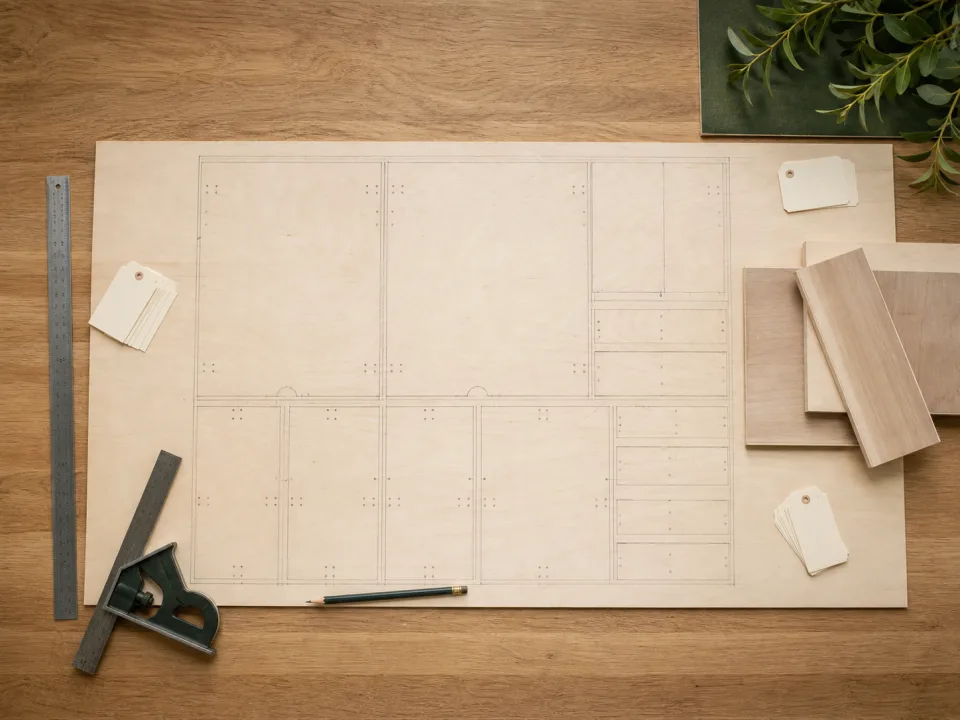
Place the approved cut list, sheet layout, material code, stock size, kerf, trim allowance, rotation permissions, and revision beside the machine. Confirm that the physical sheet matches the specified thickness, face, core, finish, and grain direction. If the delivered product differs, hold the sheet under the sheet-usability receiving checklist instead of changing the layout at the saw.
Identify the first-sheet sample
Record the sheet identifier, supplier batch when available, operator, machine or guide system, blade, setup references, and start time. Photograph or mark the reference corner so later measurements can be related to the original orientation. The sample must represent the intended production method; a carefully hand-trimmed test that bypasses the released stops and sequence does not validate the batch setup.
Verify dimensions and geometry
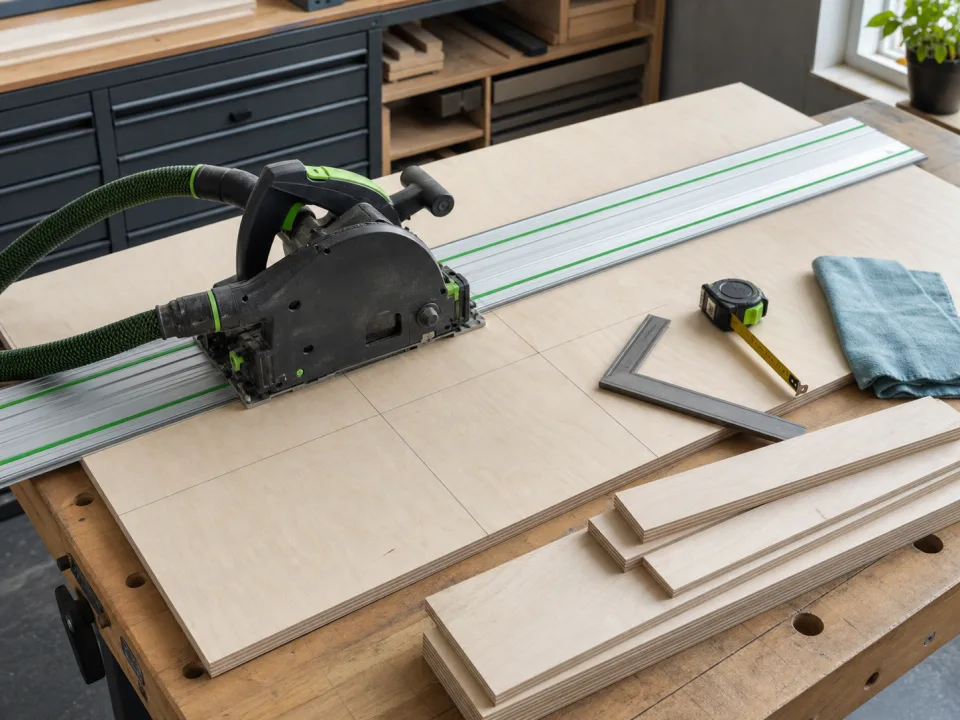
Measure critical parts from the first sheet with the same method and units used for release. Check width, length, squareness, paired-part equality, groove or machining references, and any dimension that controls hardware or assembly. Compare the observation with the acceptance range rather than rounding it mentally. Use the first-article method when one repeated component needs a deeper assembly test.
Inspect edges, faces, and labels
Check tear-out, chipping, burning, delamination, dents, finish scratches, exposed core voids, and damaged show faces under useful light. Confirm that part IDs, grain arrows, show-face marks, edge-treatment notes, and next-operation labels remain attached to the correct rectangles. If the plywood crosscut tears out, stop and follow the tear-out diagnostic before cutting another sheet.
Reconcile every rectangle
Mark every planned part as accepted, held, reworked, or remade and confirm the sheet did not create an unlisted rectangle. Compare the actual offcut shapes with the layout and label any remnant that meets the shop reuse rule. A complete sheet can pass dimensional checks and still fail release when one small part is missing, a visible panel was rotated, or the remaining material no longer supports the next cut.
Release or stop the batch
Sign the first-article cut release only after the measured results, surface condition, labels, sequence, and layout reconciliation pass. Record corrections as a new setup or revision and repeat the affected check. Save the accepted layout in CutList so the shop is not relying on an obsolete screenshot or an unrecorded change.
When to move from learning to planning
Reading is useful when you are choosing a method, but the project becomes real when dimensions, quantities, material costs, and waste are entered into a tool. If the article describes the problem you are facing, the next step is to test your own numbers. Start with the tools hub, choose the calculator that matches the material, and compare the result before buying stock. For plywood and cabinet projects, move the final plan into CutList so the layout can be saved, reopened, exported, and used at the saw.
Recommended next step
If you only need a quick estimate, open the related browser calculator and run the first pass. If the plywood or cabinet job has many parts, expensive material, or changing measurements, use CutList as the saved project workspace after reviewing the browser result. That creates a clear path from learning the method to checking the layout, preserving revisions, and carrying a cutting sequence to the shop.
Move from reading to a checked plan
Apply first-sheet cutting inspection record to a saved project
Test the method with your own dimensions first. Use CutList when the reviewed plywood plan needs saved revisions, offline access, a cutting sequence, or a Pro PDF handoff.
- Free basic layouts
- No login
- No cloud upload
- Works offline
 On a computer? Scan with your iPhone or iPad.